MCP Server for VTENext: How to Connect Claude to Your CRM in Natural Language

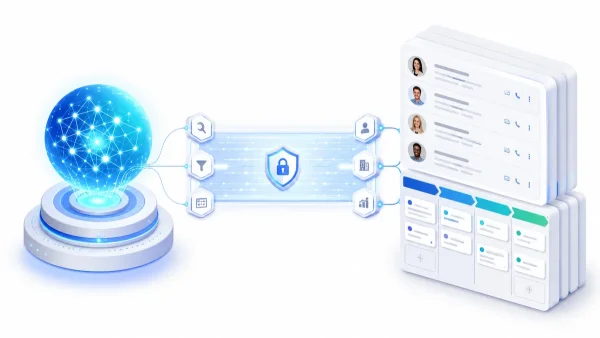
An MCP server for VTENext is middleware that exposes the CRM's APIs as tools usable by Claude and other LLMs compatible with the Model Context Protocol. The result: you can query and update VTENext in natural language, directly from chat with the AI model, without opening a browser or writing code.
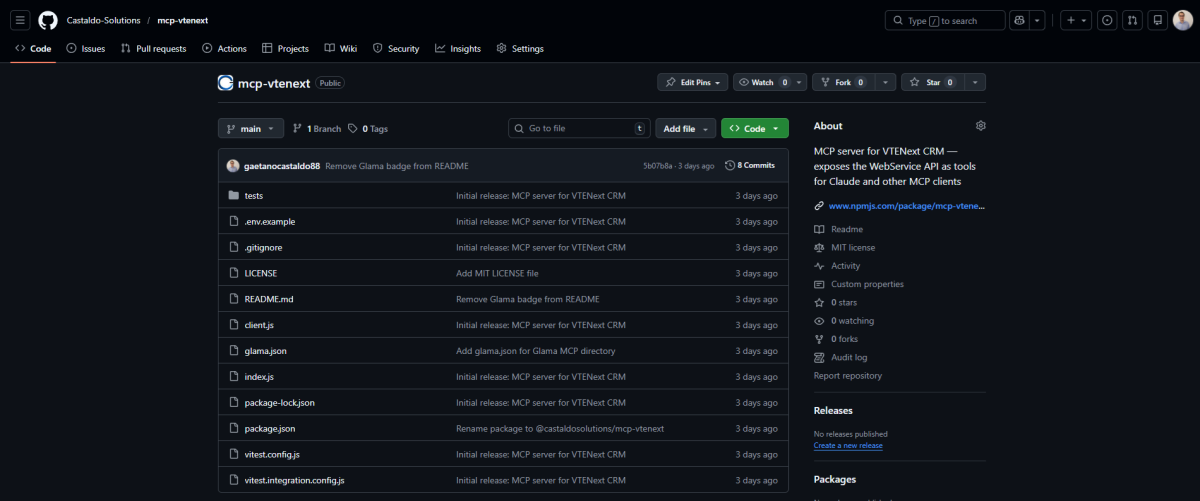
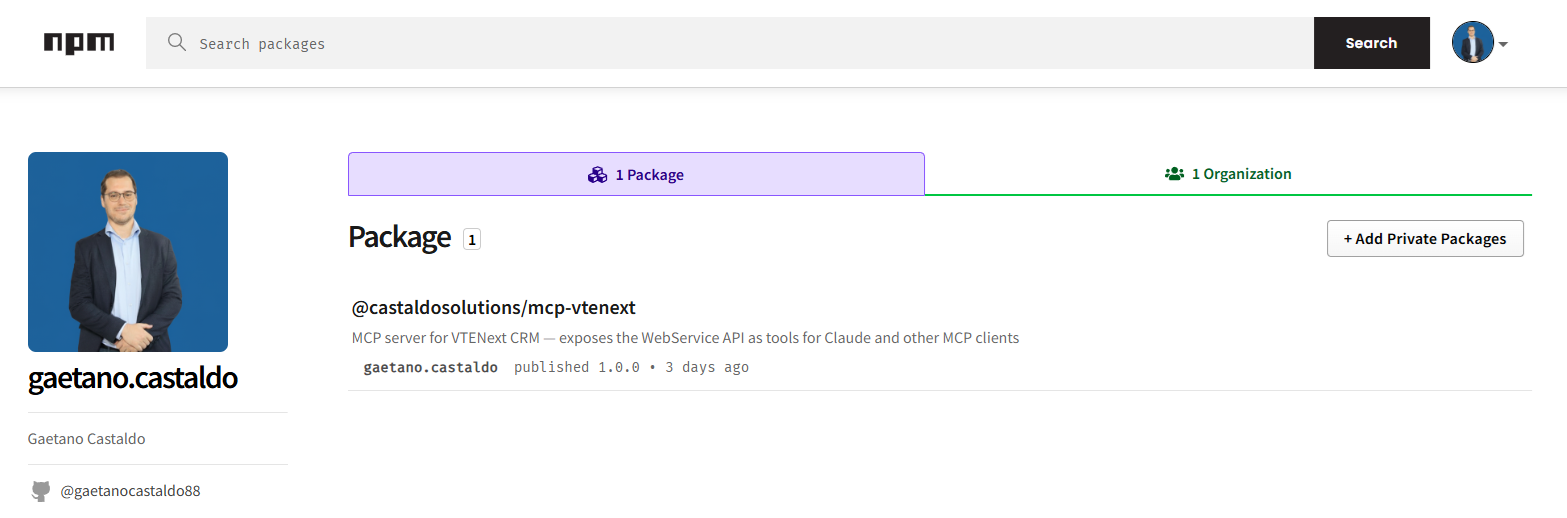
I built and published this open source server in recent weeks, developing it alongside a management app for construction sites that uses VTENext as its system of record. The @castaldosolutions/mcp-vtenext package is available on npm and GitHub under MIT license.
What Is the Model Context Protocol (MCP) and How It Works with CRMs
The Model Context Protocol (MCP) is an open standard released by Anthropic in November 2024 that allows LLMs to connect to external systems via a standardized interface of "tools". Instead of copying data into chat, you write an MCP server that exposes your APIs and the model invokes them autonomously during conversation.
For a CRM like VTENext, it means you can ask Claude to search for an opportunity, add a note, or filter deals by status. The model recognizes the intent, calls the right tool, and returns the response in conversation context without changing screens or exporting CSVs.
Why Build an MCP Server for VTENext
VTENext is an open source CRM based on the vtiger engine, widely used in Italian SMBs for managing sales opportunities, contacts, and activities. It offers a complete WebService API but with some quirks:
- Challenge/response authentication (challenge/MD5), not standard OAuth or API keys
- Sparse official documentation on critical details (HTTP method, required fields)
- No official SDK for Node.js or Python
I started building the integration client for a management app in construction. When I realized the code was reusable and no public MCP connector for VTENext existed, I extracted and published it.
How VTENext WebService Authentication Works
The VTENext API uses a three-step challenge/response protocol:
GET /webservice.php?operation=getchallenge&username=...- server returns a temporary token- Client calculates
MD5(token + accessKey)- the access key is in VTENext under User Preferences POST /webservice.phpwithoperation=loginand the MD5 digest - server returns thesessionName
The sessionName must be included in all subsequent requests. Sessions are cached for 4 minutes (token expires after 5) to avoid a round-trip with each call.
Critical note documented by integration tests: VTENext requires login via POST, not GET. The documentation doesn't specify this. A GET call silently returns INVALID_AUTH_TOKEN - I discovered this behavior only testing against a real Docker instance.
What Tools Does the VTENext MCP Server Expose
The server exposes 10 tools organized by module:
| Tool | Module | Description |
|---|---|---|
list_opportunita |
Potentials | List with filters for status, text, limit |
get_opportunita |
Potentials | Full details from ID |
search_opportunita |
Potentials | Search by name |
create_opportunita |
Potentials | Create new deal |
update_opportunita |
Potentials | Update status, amount, notes |
search_contatti |
Contacts | Search by name, email, company |
add_nota_opportunita |
ModComments | Add comment to deal |
list_attivita_opportunita |
Activities | List linked activities |
describe_modulo |
- | Available fields for any module |
query_raw |
- | Arbitrary VTQL SELECT queries |
How to Install and Configure mcp-vtenext
Requirements: Node.js 18+, active VTENext instance (self-hosted or Docker).
npm install @castaldosolutions/mcp-vtenextAdd to the .mcp.json file in the project root:
{
  "mcpServers": {
    "vtenext": {
      "type": "stdio",
      "command": "node",
      "args": ["/absolute/path/node_modules/@castaldosolutions/mcp-vtenext/index.js"]
    }
  }
}
Create a .env file in the same folder as the server:
VTENEXT_URL=http://your-vtenext-instance
VTENEXT_USERNAME=admin
VTENEXT_ACCESS_KEY=your_access_key
The access key is in VTENext under Admin > Users > [user] > Access Key. Credentials are never hardcoded.
What You Can Ask Claude with VTENext Connected
Once the MCP server is active, here are examples of real requests Claude handles autonomously:
- "Search for the opportunity for client Rossi Costruzioni and tell me what phase it's in"
- "Add a note to opportunity 12345: call confirmed for Thursday"
- "How many opportunities are in Negotiation phase with close date by month end?"
- "Create a new opportunity for prospect XYZ, amount 15,000 euros, Qualification phase"
- "Show me available fields in the Contacts module"
Claude recognizes the intent, calls the right tool, and responds in context. No copy-paste, no screen changes, no SQL.
How to Develop with VTENext in Docker
To develop without depending on a production instance, I used VTENext dockerized locally. This allowed real integration tests that verify actual API behavior, not mocks.
Integration tests revealed 3 bugs that standard unit tests wouldn't have found:
loginrequires POST, not GET (silent errorINVALID_AUTH_TOKEN)- To link a comment to the parent record the correct field is
related_to, notrelated_id - The note creation payload must include
assigned_user_idas required
Having a local, deletable, reproducible Docker instance made these tests stable, repeatable, and independent from production.
Why the MCP Protocol Matters for SMBs with Existing CRMs
SMBs using VTENext (or any other CRM) often have the opposite problem from data scarcity: the data is there, but accessing it quickly is time-consuming. The MCP model solves this architecturally cleanly:
- Doesn't replace the CRM - adds an AI access layer on top
- Doesn't require data migration - queries the API in real time
- Doesn't require technical skills from end users - just ask in Italian
- Is extensible - adding a new tool means adding a function to the server
To maximize MCP value, pair it with Claude Code skills that memorize operational conventions: how to process data, what format to return, which vocabulary to use with your CRM. If you don't yet have skills configured, this guide explains how to build them from scratch.
This article is the hands-on VTENext case of a broader path: if you use a different CRM, start from the general guide to connecting Claude to any CRM with MCP.
The source code is on GitHub (Castaldo-Solutions/mcp-vtenext) and the package is on npm (@castaldosolutions/mcp-vtenext).
Frequently Asked Questions About MCP and VTENext
Can I use mcp-vtenext with MCP clients other than Claude? Yes. The server implements the standard MCP protocol, compatible with any MCP client: Claude Desktop, Claude Code, and any other LLM with MCP support.
Does it work with self-hosted VTENext? Yes, that's the main use case. The server connects to any VTENext instance reachable via HTTP/HTTPS, whether local or remote.
Is it safe to use VTENext credentials with MCP?
Credentials are read from environment variables or local .env file, never transmitted to the AI model. The server runs locally and VTENext sessions are properly closed.
Can I add new VTENext modules to the server? Yes. Each tool is an autonomous function in the code. You can add support for any VTENext module (Invoices, Tickets, Accounts, etc.) following the same pattern as existing tools.
What's the difference between query_raw and specific tools?
query_raw executes arbitrary VTQL SELECT queries - useful for exploration and debugging. Specific tools like list_opportunita have Zod input validation and are safer in production.
Want to Integrate AI into Your CRM?
Connecting an LLM to your company CRM is one of the fastest ways to reduce manual work without changing existing processes. If you use VTENext, HubSpot, Salesforce, or Odoo and want to understand where AI and automation make sense, contact me for a free pre-assessment.