The 5 best AI agent use cases (and my first month with a team of bots)
Four AI agent use cases have results documented by studies and public data. I tried the fifth myself: a month with a team of bots on Grok Bot, which cut a LinkedIn post from 4-5 hours to 30 minutes at most. The lesson: you don't delegate to an agent, you train it.

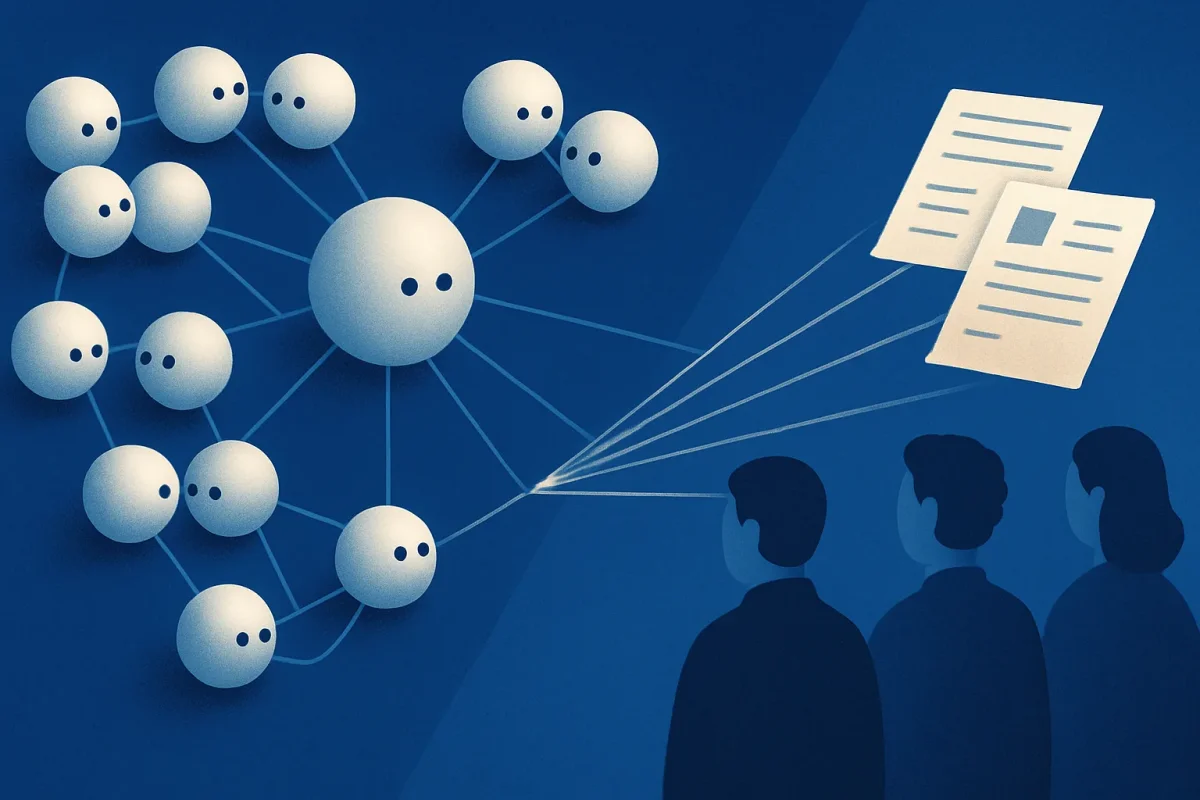
The five best AI agent use cases, meaning the ones with documented results, are: answering customers, researching and summarizing sources, handling email and documents, running back-office admin, and handing a whole process to a team of agents. The first four are backed by studies and public data. I tried the fifth myself, in my first month with Grok Bot.
| Use case | Documented result | Who measured it |
|---|---|---|
| Answering customers | +14% issues resolved per hour, +34% for less experienced agents | NBER, 5,179 support agents |
| Researching and summarizing sources | -80% task time, but it is an estimate | Anthropic, 2025 |
| Handling email and documents | 2 fewer hours a week on email | Study of 7,137 workers, 2025 |
| Running back-office admin | The highest return on generative AI | MIT NANDA, 2025 |
| A whole process handed to a team of agents | A LinkedIn post cut from 4-5 hours to 30 minutes at most | My first month with Grok Bot |
People who already use agents tend to treat them as small bots for delegating micro-tasks: summarize this email, find that piece of news. It is a legitimate use, and it is what the data measures best. It is also the surest way to underestimate them. Today's agent is a colleague that learns how you work and works alongside you, and its accuracy improves day after day, in proportion to how well you train it. Exactly like a new person on your team.
If you need a refresher on what separates an agent from a chatbot, I covered it in AI agents: what they are and what they are for in an SME. Here I start from the use cases.
Which AI agent use cases have measured results?
Among the more than 1,300 professionals who answered LangChain's State of AI Agents survey in 2024 (LangChain sells tools for building agents), the three most cited uses are research and summarization (58%), personal productivity (53.5%) and customer service (45.8%) (LangChain). In Italy, among companies with at least 10 employees that use AI, the most common areas are marketing and sales (33.1%) and organizing administrative processes (25.7%) (Istat, Imprese e ICT 2025, December 15, 2025).
Widespread does not mean measured, though. These are the four uses where, beyond adoption, there is a documented result, and for each one I say who measured it. One caveat: almost every study measures assistants, meaning agents with a person checking the output. That is how agents are really used today, and it is also the right place to start.
1. Answering customers
On customer support, the most solid study comes from the National Bureau of Economic Research: across 5,179 customer support agents, AI increased issues resolved per hour by 14% on average, and by 34% for new or less experienced agents (Brynjolfsson, Li and Raymond, NBER w31161). The study measures an assistant that suggests replies to the human agent, not an agent that answers on its own, and that is precisely the safest starting point: the agent passes on to newcomers what the best people already know how to do. Where it breaks: on a messy knowledge base, which the agent repeats with confidence.
2. Researching and summarizing sources and documents
Researching and summarizing information is the use most cited by people working with agents, and in Italy it is already in place: extracting knowledge from text documents is the AI technology used by 70.8% of Italian companies that use AI (Istat, December 2025). Anthropic, which sells Claude, analyzed 100,000 conversations and estimates that Claude cuts the time of these tasks by 80% (Anthropic, November 25, 2025). It is an estimate, not a measurement, and it does not count the time you spend checking. Always open the sources: a well-written summary of the wrong source is worse than no summary at all.
3. Handling email and documents
A field study of 7,137 workers across 66 companies found that people using the AI assistant built into their email spent two fewer hours a week on email (Dillon, Jaffe, Immorlica and Stanton, arXiv 2504.11436, version of November 13, 2025). The same study, however, detects no change in the quantity or type of tasks people do: time saved does not turn into new work by itself. Where that time goes, and why a team's productivity does not double, I covered in a dedicated article.
4. Running back-office admin
According to MIT NANDA's The GenAI Divide report, the biggest return on generative AI is in back-office automation: less outsourcing, lower external agency costs, leaner operations. Yet more than half of budgets go to sales and marketing tools (Fortune, August 18, 2025). The back office is the least glamorous place and the one that pays most. Where it breaks: when the process is not written down anywhere, the agent automates the mess too. To choose which one to tackle first, there is a method, with seven candidate processes.
5. Handing a whole process to a team of agents
The reports do not measure this one yet, because it has only recently become possible. It is the case I know best, because I have been doing it since early September.
What happens in the first month with a team of AI agents?
In early September 2026 I started using Grok Bot, the agent xAI launched in beta on August 11, 2026 (xAI). I use it on the 30 euro a month plan, at October 2026 prices.
The difference from the agents I used before sits in one sentence of the announcement: "Bots share a computer of their own in the cloud, so jobs do not stall when you step away". The bots have a computer of their own, in the cloud, and they do not use yours: they get into apps, websites and tools the way you would, and they keep working when you close your laptop. It goes in the direction Musk announced with MacroHard, and it changes the category: they are no longer agents you call for a task, they are virtual operators.
I handed it my LinkedIn marketing pipeline. Not to one agent, to a team:
- Serenity, the coordinator, which I created. It takes the work I give it, has set up its own group chats and reaches out to the others in small groups to delegate. In xAI's announcement this is the chief of staff role.
- a news finder agent, which looks for news;
- a marketing agent;
- a copy agent, which writes the text;
- a visual agent, which prepares the images.
The flow mirrors the one I use for blog articles, with two points where I decide:
- they look for news;
- they propose and filter it;
- I approve the topic and add my opinion;
- they prepare the visual;
- I approve the visual;
- they publish or schedule the post;
- they check that everything went out as it should;
- they study the results and tell me whether to change topic next time.
The result: a post that used to take me 4-5 hours now takes 30 minutes at most, the time I spend choosing, writing what I think and approving. Step 8 I simply did not do before. It is the least cited part of AI's gains: inside Anthropic, employees estimate that 27% of their Claude-assisted work would not have been done at all without it (Anthropic, December 2, 2025, survey of 132 engineers and researchers).
It is one case, over one month: not a study, just what I saw while working with it. And it is a case on my own marketing, meaning content that becomes public anyway. Before giving an agent your customers' data, check where it ends up and under which contract: that applies to Grok Bot as much as to any autonomous agent.
Why doesn't an AI agent work well from day one?
Because at first it does not know you, exactly like a colleague who just joined. I imported my company skills into the team, meaning the instructions I also use with Claude, and it still did not go smoothly.
Images were the hardest part. At first the visual agent generated everything with the image model, boxes and text included, and the result was terrible. It started working when I explained the method programmatically: first generate the image, then build an HTML page that puts the boxes in place, always in the same spot. The creative part to the model, the structure to code, which does the same thing every time. It is the most useful lesson of the first month, and it goes well beyond images.
On images, Grok also has an advantage that matters for a marketing pipeline: it generates them right in the chat. Claude, which I use every day for everything else, as of October 2026 draws diagrams and pages but does not generate photos or illustrations.
Then came the thing that convinced me. The team started building its own skills: it creates one after every conversation where it learns something, about three a week with my usage, and it edits them when it learns something new. This is not unique to Grok: Hermes Agent, the open source agent by Nous Research, states in its documentation that it "creates skills from experience, improves them during use" (Nous Research). Agents of this generation learn. How much they learn depends on you.
One booster I recommend: dedicated sessions with a bot acting as a skill developer. It interviews you, looks at the real data from the work and writes the skill on that, not on what you remember doing. It is the same principle behind writing a good skill for Claude: instructions built on facts, not intentions.
Where do AI agents disappoint, according to the data?
Three signals to keep in mind before handing something to an agent.
- Perceived speed is not measured speed. In a controlled METR study, 16 experienced developers completed 246 tasks on projects they knew well: with AI they took 19% longer, while believing they had saved 20% (METR, arXiv 2507.09089, July 2025). If you do not measure the before, you will tell yourself a story about the after.
- A third of companies cannot say what they use AI for. Among Italian companies that use it, 33.4% name no purpose at all (Istat, December 2025).
- Agentic projects get canceled. Gartner predicts that more than 40% of agentic AI projects will be canceled by the end of 2027 (Gartner, press release of June 25, 2025): I wrote about why, and how not to be one of them.
Which use case should you start with?
With a process you run every week, that produces something recognizable (a reply, a report, a post) and has a natural point where you approve. Within those limits, which of the five to pick depends on where you lose the most hours today.
Three rules my first month confirmed:
- Measure before you start. I knew a post cost me 4-5 hours: it is the only reason I can say today how much I gained.
- Put approval points where your judgment matters, not everywhere. In my flow there are two out of eight: the topic with my opinion, and the visual.
- Give it a month, and train it. An agent that gets things wrong on day one is not a wrong agent. It is a colleague you have not trained yet.
Frequently asked questions
What is the most common AI agent use case?
Research and summarization. In LangChain's State of AI Agents survey (2024, more than 1,300 professionals), 58% of respondents name it, ahead of personal productivity (53.5%) and customer service (45.8%). In Italy, the AI technology most adopted by companies that use AI is extracting knowledge from text documents, at 70.8% (Istat, Imprese e ICT 2025).
Do AI agents really save time?
Yes, in the tasks where it has been measured. A study of 7,137 workers across 66 companies found two fewer hours a week on email (Dillon et al., 2025), and one of 5,179 support agents found a 14% increase in issues resolved per hour (NBER). But not always: in a 2025 METR study, experienced developers using AI took 19% longer. Savings have to be measured, not felt.
Which use case should an SME start with?
With a process repeated every week, with a recognizable output and a point where you approve. It is better to start on non-sensitive data, such as marketing content that becomes public anyway, and to give the agent at least a month of training before judging it. Measure the hours the process costs you before you start, or you will not be able to tell whether it worked.
Delegate or train?
The question that matters is no longer which micro-task to delegate to an agent. It is which process you are willing to teach it, with the patience you would give a new person on the team. Because an agent's accuracy is not decided by the model: it is decided by how well you train it, day after day.
More on what agents are and how to use them in the AI agents hub.