7 Processes to Automate Right Away in an SME (and How to Spot the Right One)
Which processes should an SME automate? These seven are the ones we see pay off the most, with the signal that tells you if yours is ready. The rule that avoids dead projects: start from the process that costs, not the boring one.
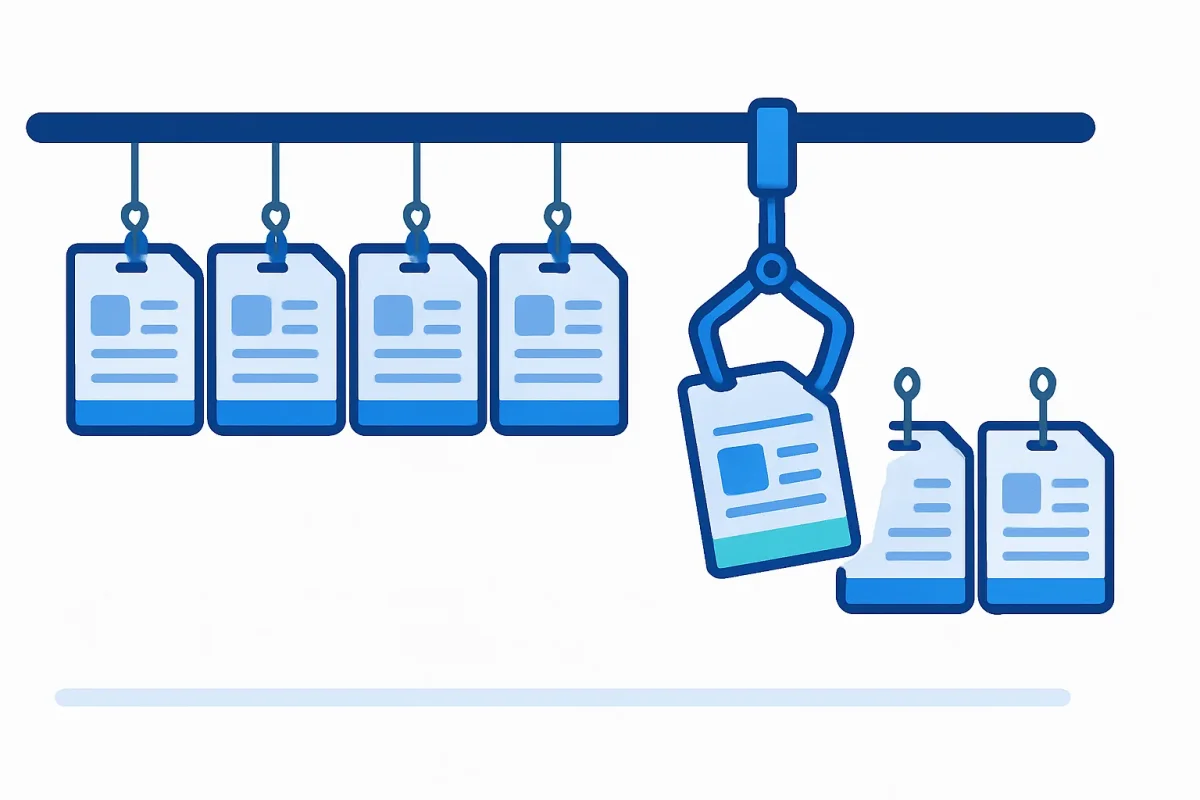
The first processes to automate in an SME are the repetitive, measurable and already digitized ones: lead management, payment reminders, email triage, data entry between systems, recurring reports, client onboarding and answers to recurring questions. The selection criterion is not how boring they are for the person executing them: it is how much they cost every month in hours, errors and missed opportunities.
This list comes from working on the real processes of the Italian SMEs we support, and from one observation: the gap is not technological. 71% of large Italian companies have started at least one artificial intelligence project, against 15% of medium and 7% of small ones (Osservatorio Artificial Intelligence, Politecnico di Milano, February 2026). The tools are the same for everyone: what SMEs lack is a concrete starting point. Here it is.
How Do You Recognize the Right Process to Automate?
Before the list, the rule. A process is ready for automation when it has three characteristics:
- It repeats identically at least a few dozen times a month: below that threshold, the automation does not repay the time to build it.
- It has a cost you can name: hours of a person, errors that generate rework, clients who do not wait. If you cannot say what it costs, you will not be able to say whether the automation paid off.
- The data it uses is already digital. If the process lives on paper or in someone's head, first you digitize and map it, then you automate it: automating a process with holes means automating the holes too. How to map it is in mapping business processes with swimlanes.
Notice what is not there: "it is boring". Boredom is a clue, not a criterion. You automate the process that costs, not the one that bores.
What Are the 7 Processes to Automate Right Away?
1. Lead Collection and Qualification
The website form that ends up in an email inbox, the salesperson copying data into the CRM when there is time, the manual research on who the contact is. It is the process with the most immediate return because it touches revenue: every waiting lead cools down. In a project for a B2B client we put in production an agent that enriches every lead and updates Salesforce on its own: the how is in how to build an AI Agent with n8n.
The signal it is yours: leads get their first reply in days, not hours.
2. Payment Reminders and Cash Reconciliation
Overdue invoices chased from memory, the reminder going out when someone notices. It is a perfect process to automate because the rules are already written (due date, days late, tone of the reminder) and the cost of not doing it is called cash flow.
The signal: you discover your average collection days at year end, not during the year.
3. Inbound Email Triage
The info@ and admin@ inboxes where everything lands and one person sorts by hand. An AI-powered automation reads, classifies, routes to the right department and drafts a reply for recurring cases. Sending stays with a person: sorting does not.
The signal: the first half hour of several people's day goes to sorting.
4. Data Entry Between Systems
The order copied from the ERP into the production sheet, the new client created in three different systems. It is technically the simplest automation and the lowest-risk one: no decisions, just transport. The platform comparison for doing it, with real costs, is in n8n vs Zapier vs Make.
The signal: the same data is typed more than once by different people.
5. Recurring Reports
The Monday report built every Monday: extract, copy, paste, format, send. If the data lives in digital systems, building and sending can be automated entirely, and the person moves from producing the report to reading it.
The signal: the report is late when the person who prepares it is on holiday.
6. Client and Case Onboarding
Documents to request, forms to fill, reminders to send: every new client goes through the same sequence, and the sequence lives in the memory of whoever executes it. Automating it means requests that go out on their own, visible progress states and no case stuck because "I was waiting for the document".
The signal: to know the status of a case you have to ask one specific person.
7. Answers to Recurring Questions
The same twenty questions from clients and suppliers, answered by different people in different ways. An AI assistant trained on your real answers handles the recurring part and passes new cases to a person. Where to start is covered for sales teams, marketing and administration.
The signal: you already have a document with the standard answers, and nobody uses it.
Where Do You Start, in Practice?
Not from all seven at once. The sequence we see working is: pick the process with the clearest monthly cost, map it as it really is (not as it should be), automate that one, measure for a month, and use the result to decide the second. A company that starts this way builds internal trust with numbers; one that starts from the tool builds the digital shelf.
If you want to put a number on the potential before starting, the AI ROI Calculator gives you an estimate on your case in minutes, free.
Frequently Asked Questions about Process Automation in SMEs
How much does it cost to automate a business process? The infrastructure is the small part: a self-hosted open-source platform like n8n runs on 20-40 euros per month of server costs, and cloud alternatives start from a few dozen euros monthly. The real cost is the analysis and construction of the flow, which depends on how clear and digitized the process is to begin with. That is why it pays to start with one process, measured well.
Which processes are not worth automating? Those that change every time, those that happen a few times a year, and those that live on non-digitized data. And above all broken processes: if a flow produces errors or rework, automating it produces them faster. First you fix the process, then you automate it. In those cases the first investment is mapping, not technology.
Do you need artificial intelligence to automate, or is a workflow enough? It depends on the process. Transporting data between systems (points 4 and 5) is classic automation: fixed rules, no AI needed. Where the process requires reading, classifying or deciding (email triage, lead qualification, client answers) you need an AI model inside the flow, or a proper agent: the difference is explained in AI Agents: What They Are.
Want to Know Which of Your Processes Are Ready?
The list above is general; your company is specific. The AI Readiness Assessment is free and tells you in minutes which process to start from and what is missing to automate it. If you prefer to talk it through, write to us.
Tags

Founder & CEO · Castaldo Solutions
Sono un consulente di trasformazione digitale con esperienza enterprise. Aiuto le PMI italiane ad adottare AI, CRM e architetture IT con risultati misurabili in 90 giorni.